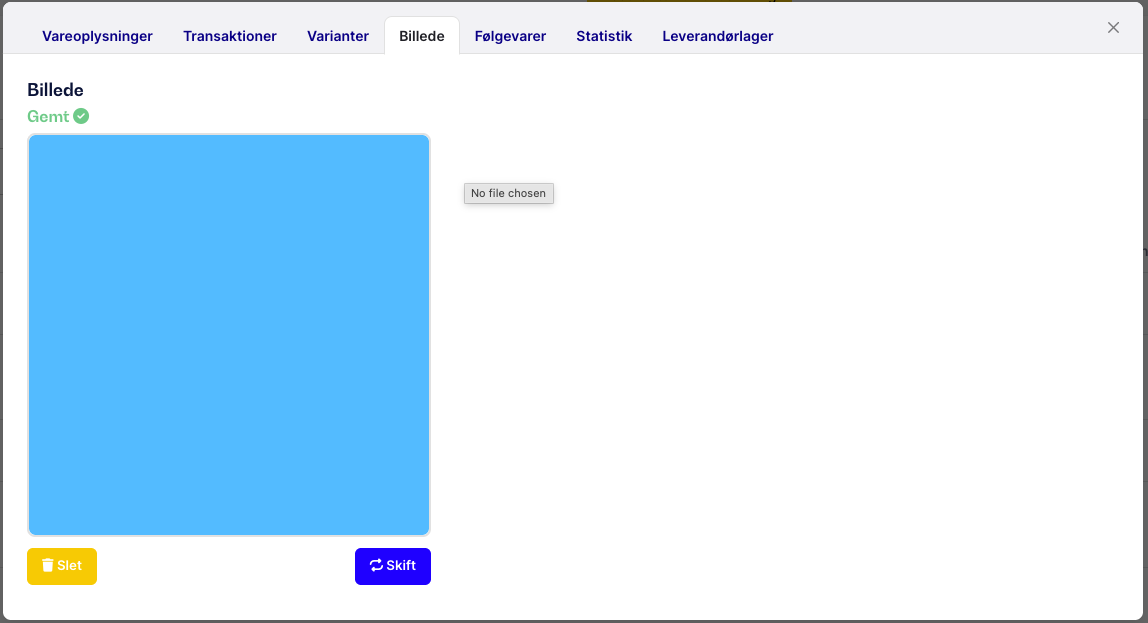
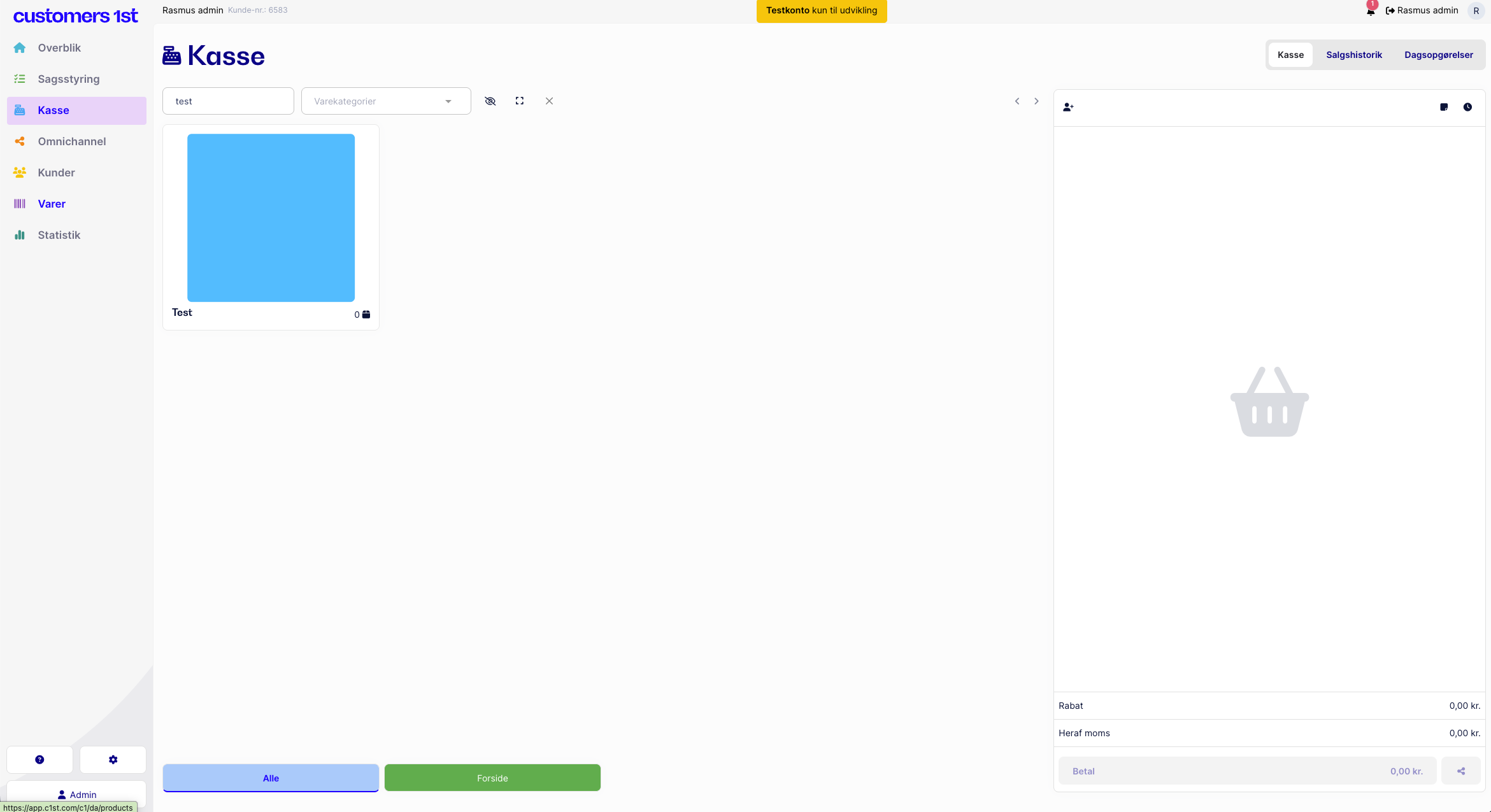
To create a color on the item in the box, you need to do the following:
Go into items and find the item you want to specify a color for.
Find the “Image” tab.
Upload a picture of the color you want.
You can find a picture of the color by going to Google, searching for a color, and saving the image on your computer.