You can always add a customer to the system so you have their name and contact information. If you need to change the information you have added at a later time, you can always do so. You can also easily delete the customer.
How to add customers:
Click Customers
Next, click +Customer in the top-right corner
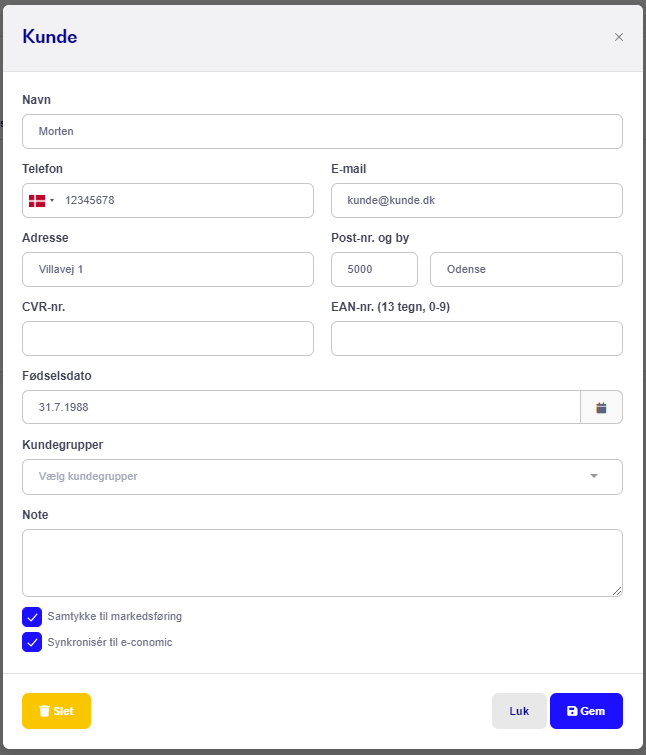
Add the information you want to keep about the customer, such as their phone number. You can also add your customers to Customer Groups, for example, if you have members who receive membership benefits.
Here, you can also indicate whether a customer has consented to receive marketing from you, for example by email.
When you have done this, click Save.
You can always go back and change the information or delete the customer entirely, if you wish.
How to edit or delete a customer's information:
Tap Customers
Enter the customer's name/phone number in the search field
Tap the relevant customer's entry. You can then see all the information you have added about the customer, including what has been done for them
Tap Edit... in the top-right corner
If you want to delete the customer in question, simply tap Delete in the bottom-left corner, as shown in the image above.
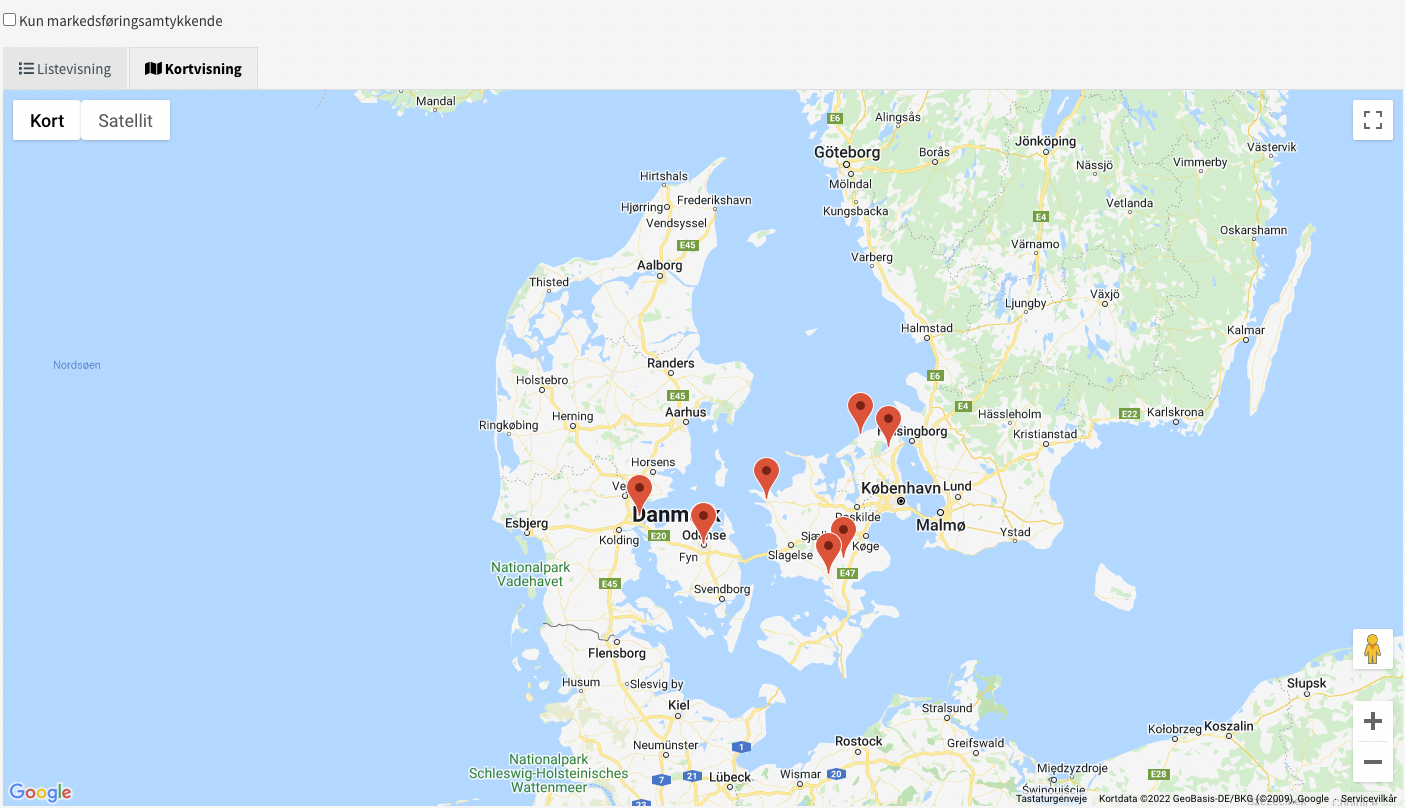
Once the customer has been created with an address, you will be able to see your customers on the map under "Customers", where you select "Map view".
NOTE! Customers created via import or from external systems will not be shown on the map!
NOTE! Under the GDPR law, customers are automatically deleted if the following requirements are met:
The customer was created more than the retention period ago (2 years by default).
The customer has no work orders created within the retention period.
The customer has made no payments/purchases within the retention period.
The customer has no bicycles with a frame number / items with a serial number added within the last 10 years.
The customer has no service reminder scheduled for the future.
For serialized items / bicycles with a frame number, the following applies:
Items without a frame number / serial number: The customer is deleted 2 years after the last purchase (or later, if the store has set a longer period), as long as none of the above apply.
Items with a frame number / serial number: This depends on whether the purchase ends up as a customer unit/bike associated with the customer. If it does, the customer is retained for 10 years from the date the unit was added. If it does not, the same rules apply as for items without a serial number (2 years from the purchase).
The customer unit / bike is subsequently serviced on a work order: The work order resets the 2-year period, but the 10-year period from the customer unit still applies and is therefore the longer one. The period from the customer unit does not move when new work orders are created.
Is the period updated? Yes, indirectly. Each new purchase or work order pushes the deletion date forward by 2 years from that date. So it is not only sales that count; work orders count too. Editing the customer's details (name, address, etc.) does not reset the period. The date on a customer unit cannot be changed after it has been created.
