
Here you can find help on how to quickly locate the invoices issued by us, which are also sent to you by email.
Go to Settings
Click on Subscription at the top tab
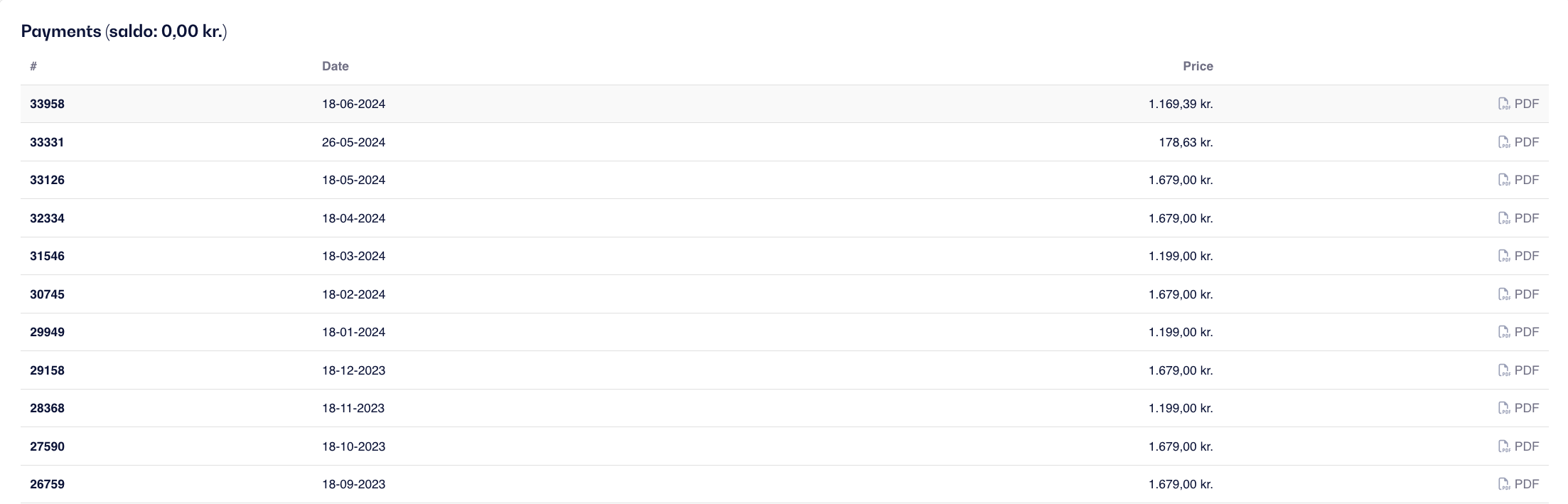
Scroll down a bit and look for the Payments section
Here you can get an overview of all the invoices issued by us and download them again as PDFs.
Click on the PDF next to the invoice you want to download/view.
If you are unsure about anything or have any questions, please contact our support via chat or email.