
Start by charging your scanner for 24 hours
Take the plug from your charging cradle and connect the USB plug to your computer.
Turn on the scanner and find your manual
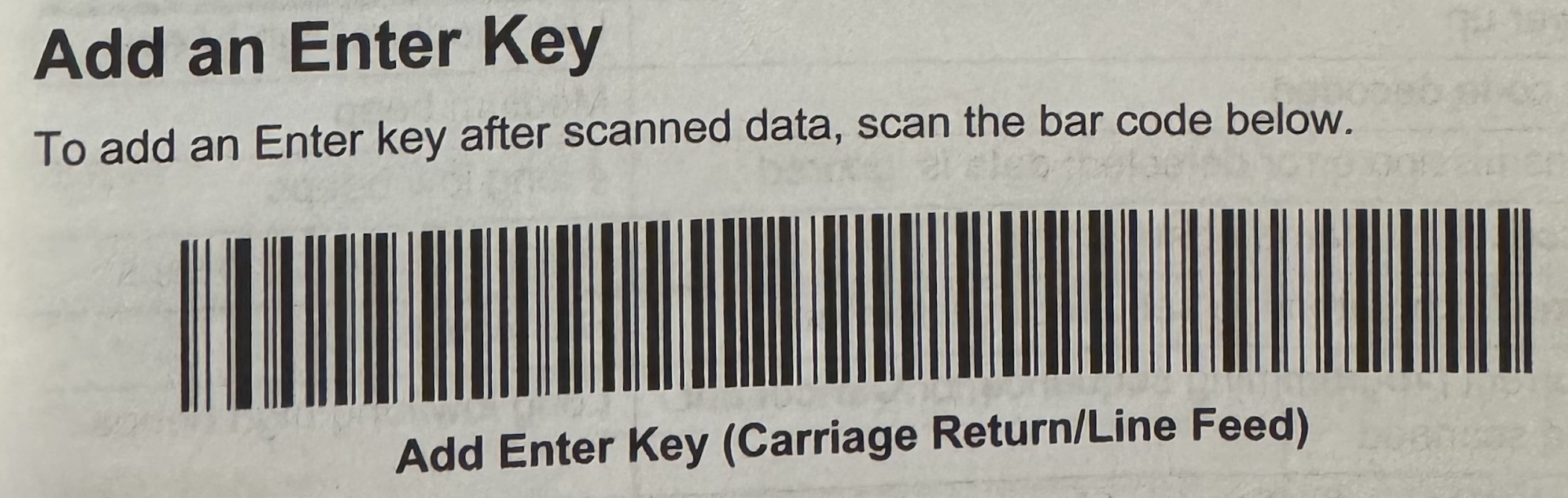
On page 7 in the manual, scan the "Add an Enter Key" barcode
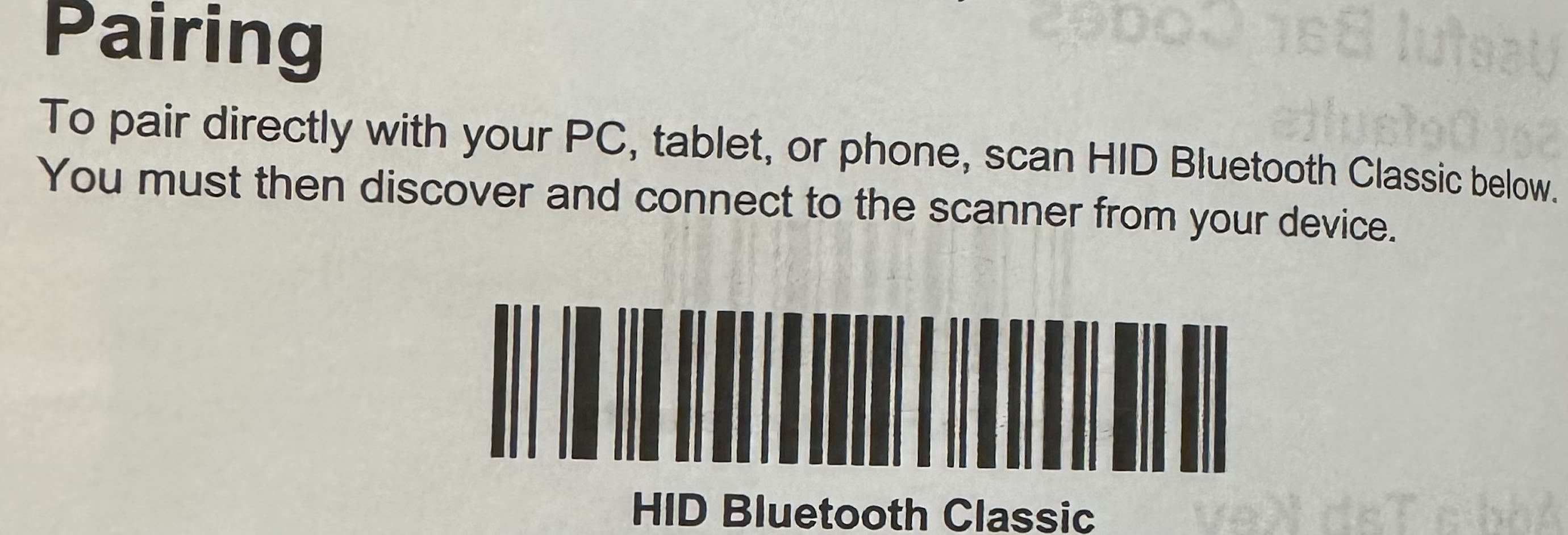
On page 8 in the manual, scan the "Pairing" barcode
Now it should be ready to use
Getting Started Guide for Pro Wireless Barcode Scanner 2D/QR
This guide helps you connect your new scanner
Var dette svaret til hjelp?
😞
😐
😁