
New fiscal year in e-conomic
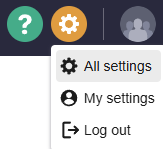
In e-conomic, you click the little gear and then click on All settings
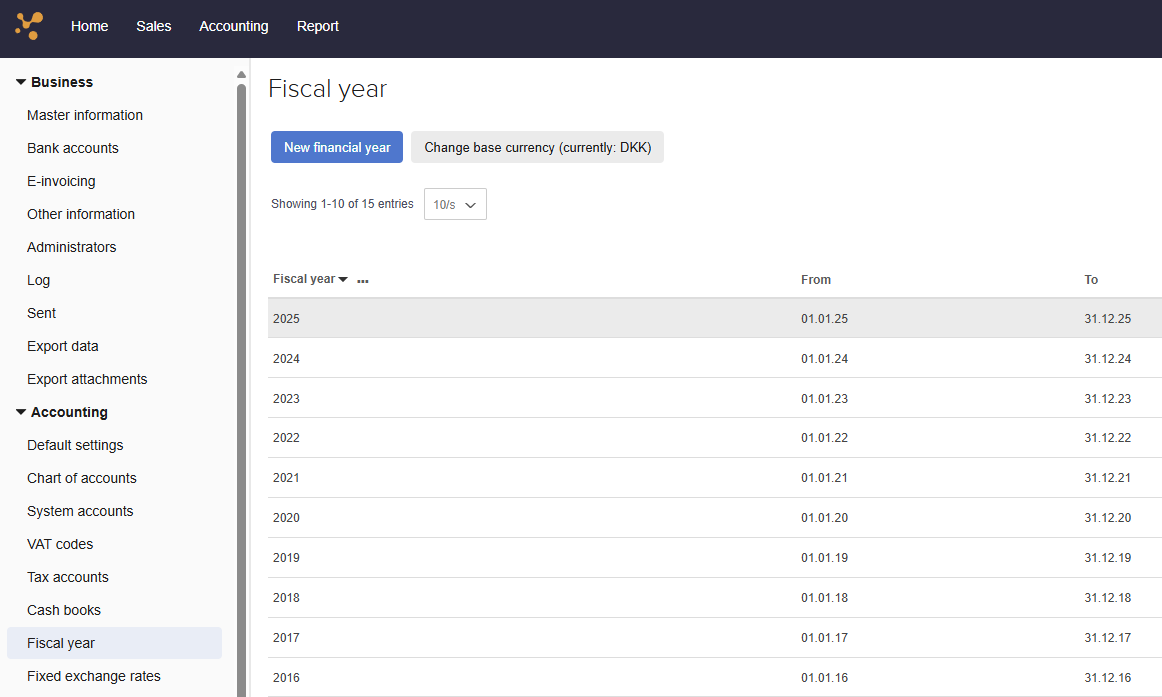
On the left, click on Fiscal year and then on the blue button "New fiscal year". Check that the period is correct and save.
In short:
little gear -> all settings -> fiscal year -> new fiscal year -> check date and save
Now you're ready to transfer your daily reports to e-conomic.