
How to issue/sell a gift card
Click on POS
Search for the gift card product (this has already been added to your stock)
Enter the amount the gift card should contain and an Expiration date
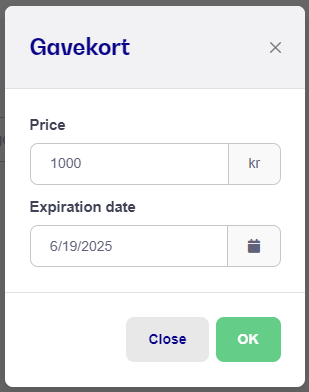
4. Press Ok and the gift card is now added to your ongoing order

5. Press Pay and choose payment method
6. Press Receipt and now both the receipt for the purchase itself and a gift card with bar code and gift card number will be printed
NB: You can always see redeemed giftcards. Just go to Customers -> Giftcard etc.