If you want to split revenue per product category to the cash journal in e-conomic, you can follow these steps below.
Note: Keep in mind, this doesn't apply when you send an invoice straight to e-conomic via the POS. Here, the revenue is split by product groups in e-conomic.
Go to Products, click the arrow in the top right corner and select Product Categories.
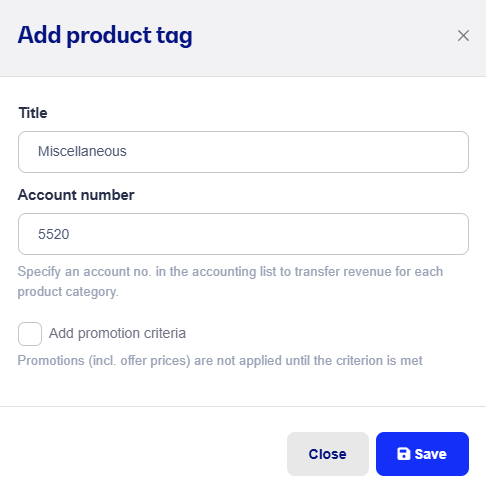
Click an already created product category or create a new one.
Enter the account number from the chart of accounts you want the product category to go into.
Add the product categories to the products.