
To manually transfer your daily report to e-conomic, go to the POS and click on End of day in the top right corner of the screen.
Daily reports that do not have a date in the Posted column have not yet been sent to e-conomic.
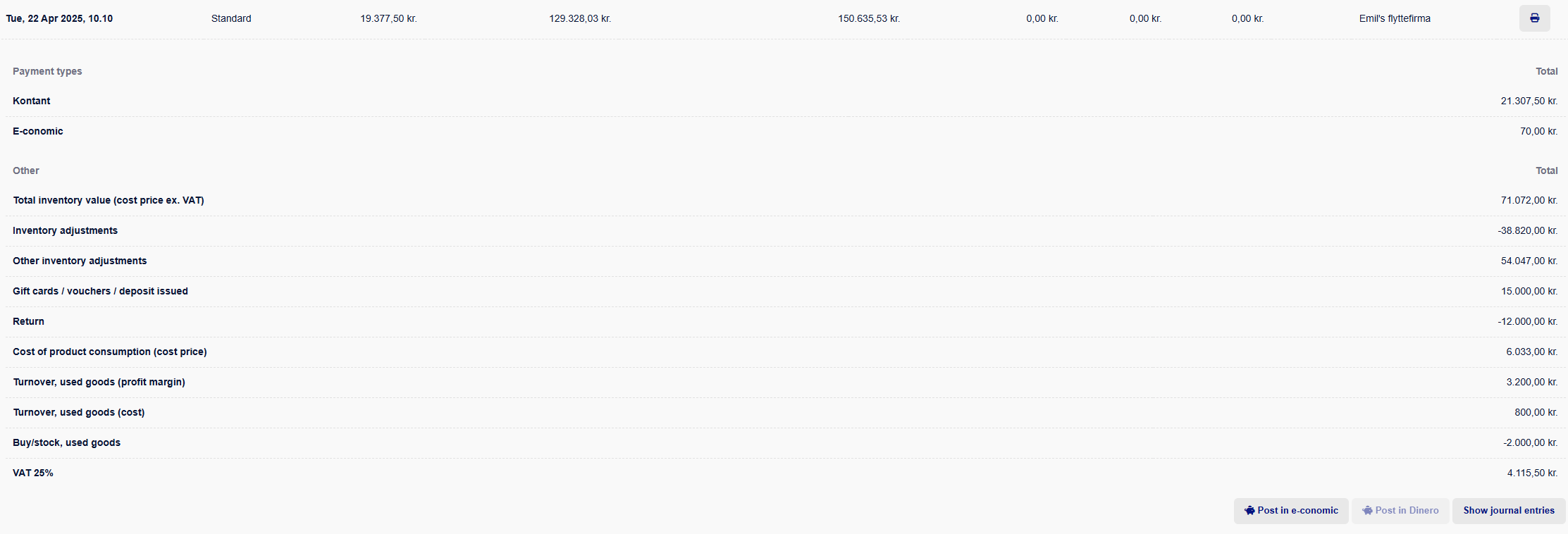
Click on the date you wish to transfer and then click Post in e-conomic.
The daily report will now be transferred to e-conomic and appear as a cash journal entry there.
Note: You can transfer the daily report to e-conomic as many times as you like. So if you accidentally delete the cash journal entry in e-conomic, you can simply transfer it again.
Keywords: Daily statement - daily reconciliation - daily report -
day closing - cash register closing