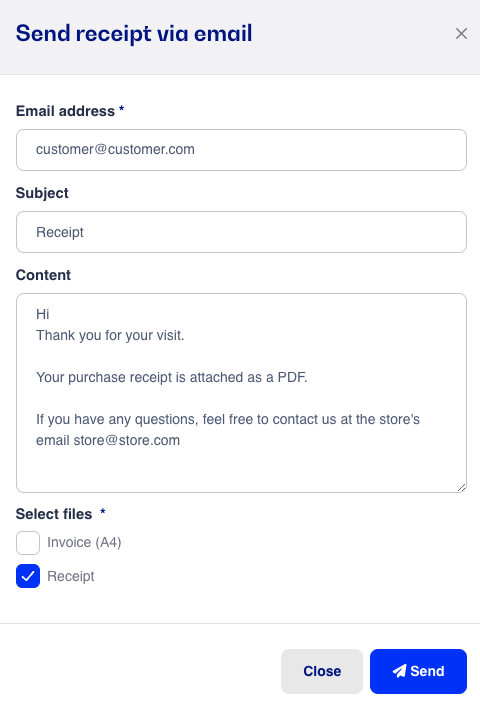
You can easily and simply send a receipt to the customer by email.
When a sale is registered as paid, you can choose to send the customer a receipt by email.
Click on Email Receipt and enter the customer's email address.
Click Done to complete the sale.
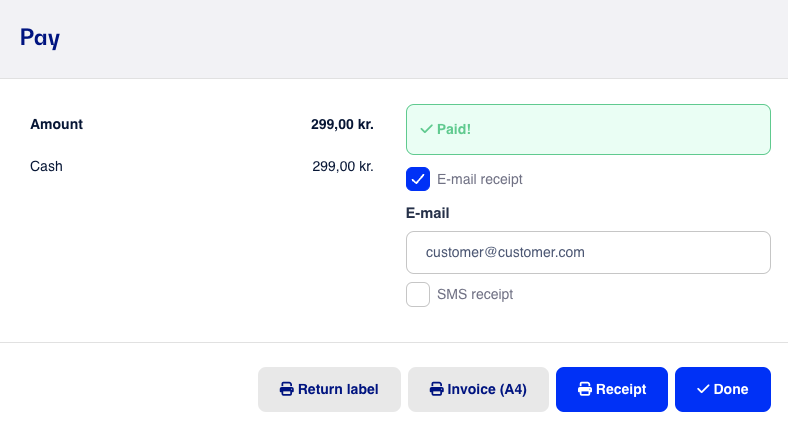
The customer will receive a link via email within 2 minutes where they can view their online receipt. Note that with some email providers, the message may end up in spam/junk mail.
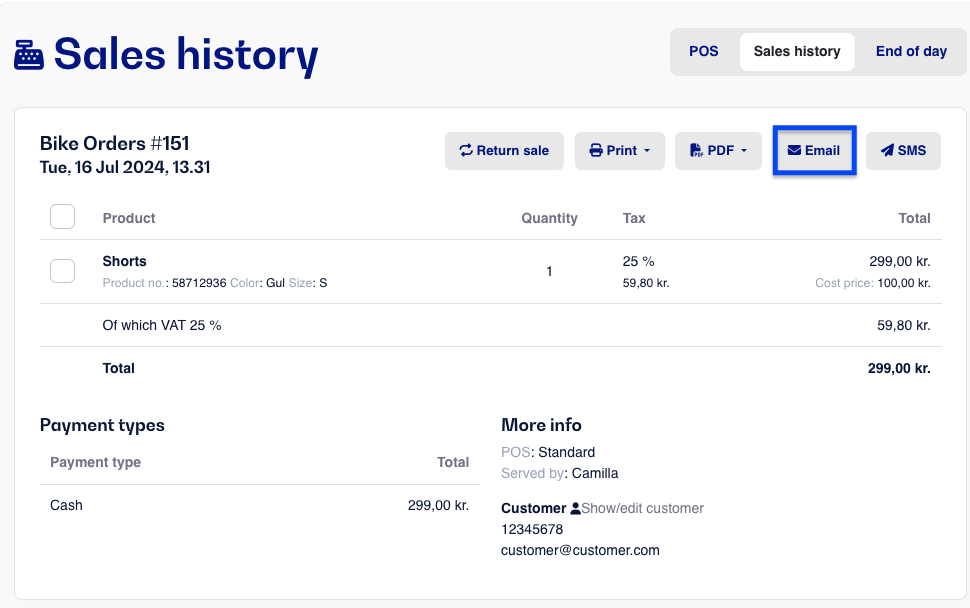
You can also send a digital receipt or invoice for a previous register sale.
Find the sale in the sales history and open it.
Click the Email button at the top right corner.
Enter the customer's email address.
Choose whether you want to send a receipt and/or an invoice to the customer's email.