
Add note to customer receipt
At checkout you'll see a button in the top right corner next to the discount button where you can add a note to the sale.
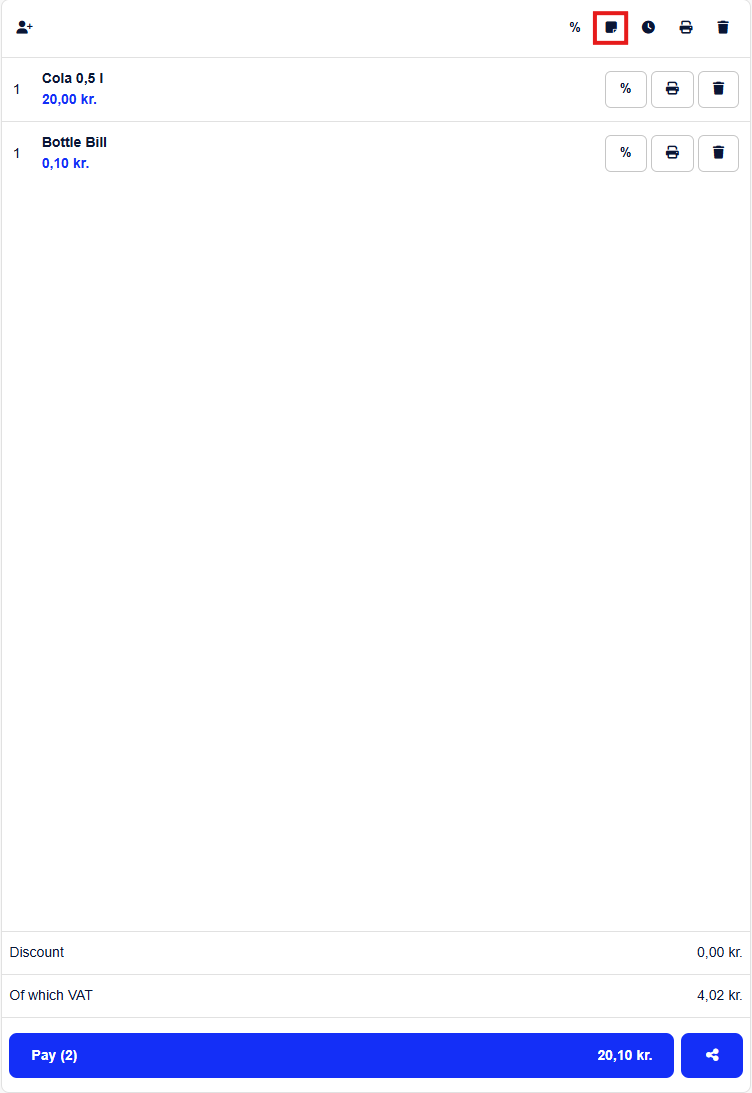
Here you just write and add the note that you want to appear on the customer's receipt, then hit OK.
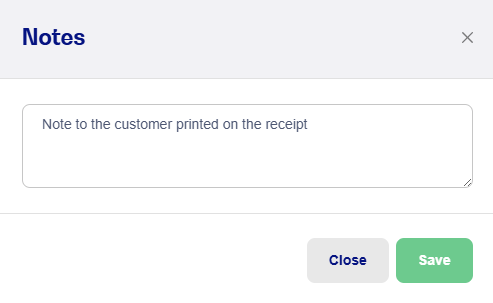
Once the sale is complete, you can print a receipt with the note printed at the bottom. You can also always see the note inside the sale history.