If you have issued a gift card or store credit by mistake and want to block it, you can easily do so in your customer module.
Go to Customers and select Gift cards etc. in the top right. To block a gift card:
Click the padlock next to the gift card
Optional: Enter a reason for blocking it
Click Block
Your gift card is now blocked.
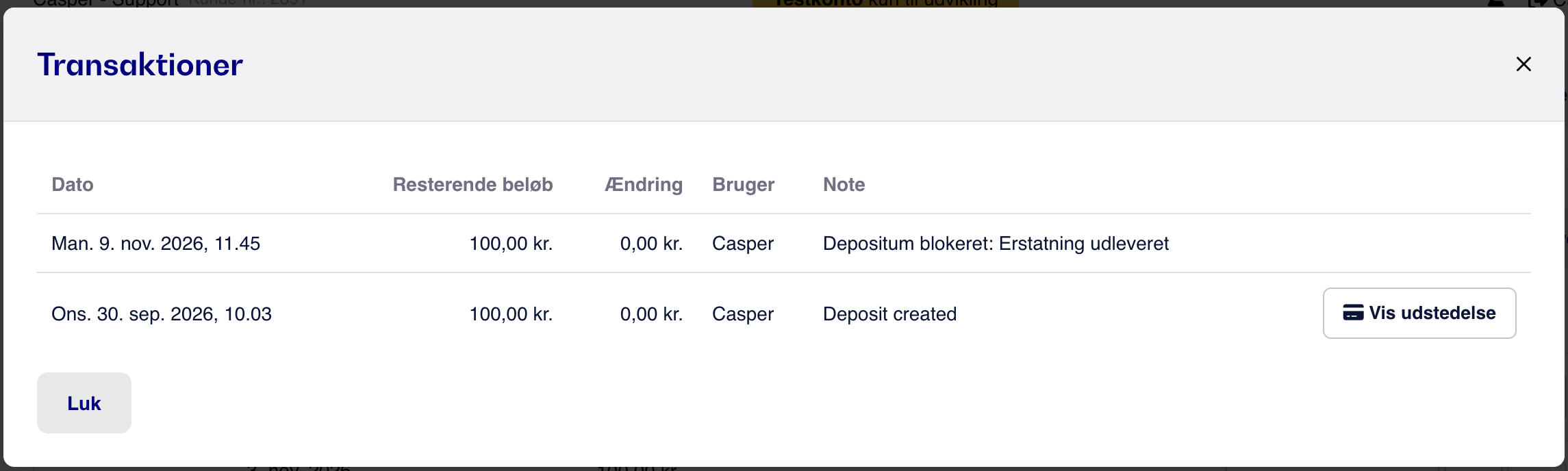
Under Transactions on the gift card, you can see when the gift card was blocked, who did it, and which comment is associated with the block:
If you blocked the wrong gift card by mistake, you can unblock it by clicking the padlock next to the blocked gift card, entering a reason for reopening it, and choosing to reopen it.
Please note that blocking a gift card does not update any integrations. The bookkeeping should be updated manually.